
POV: You Finally Understand Canva… And Suddenly Your Real Estate Marketing Looks Like This
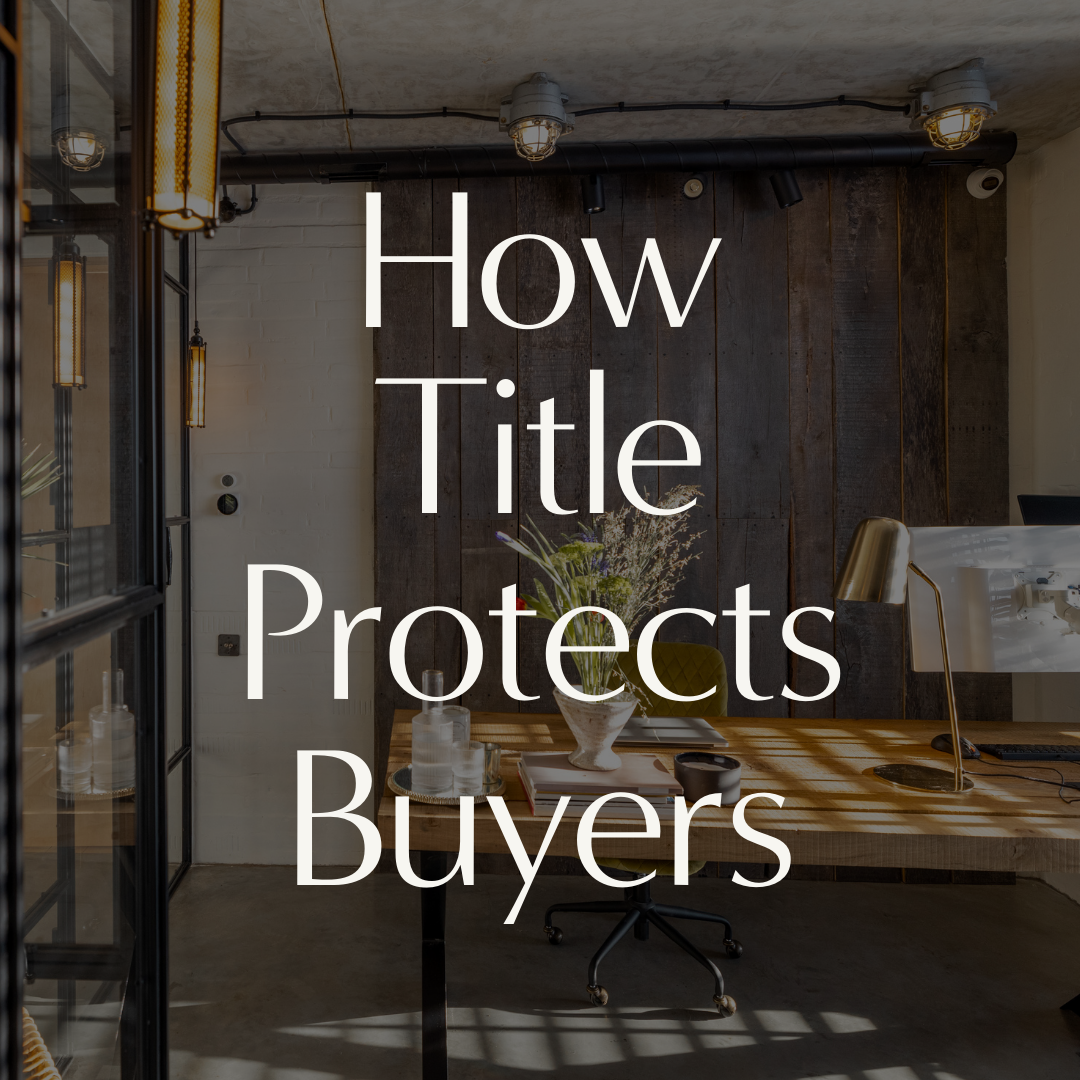
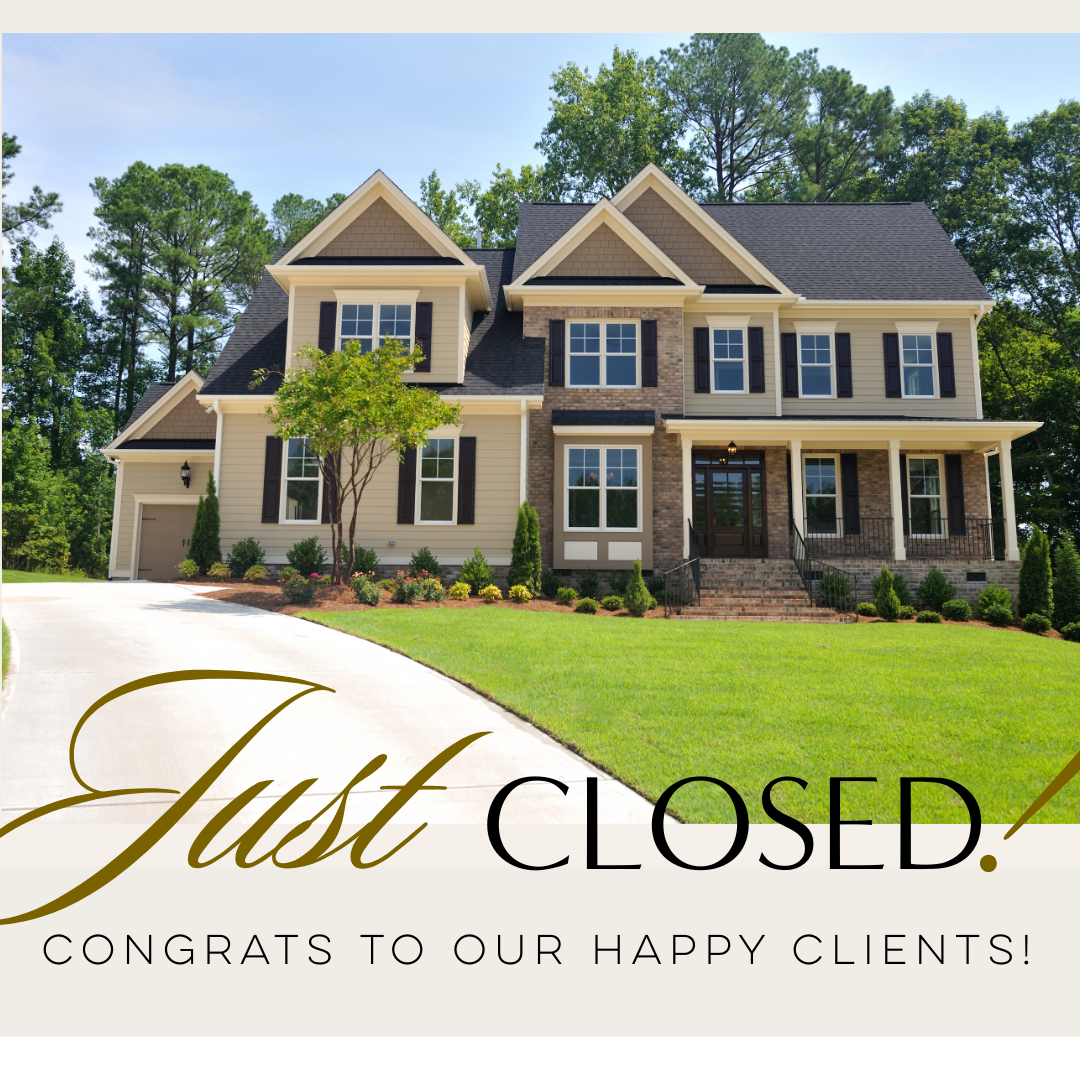

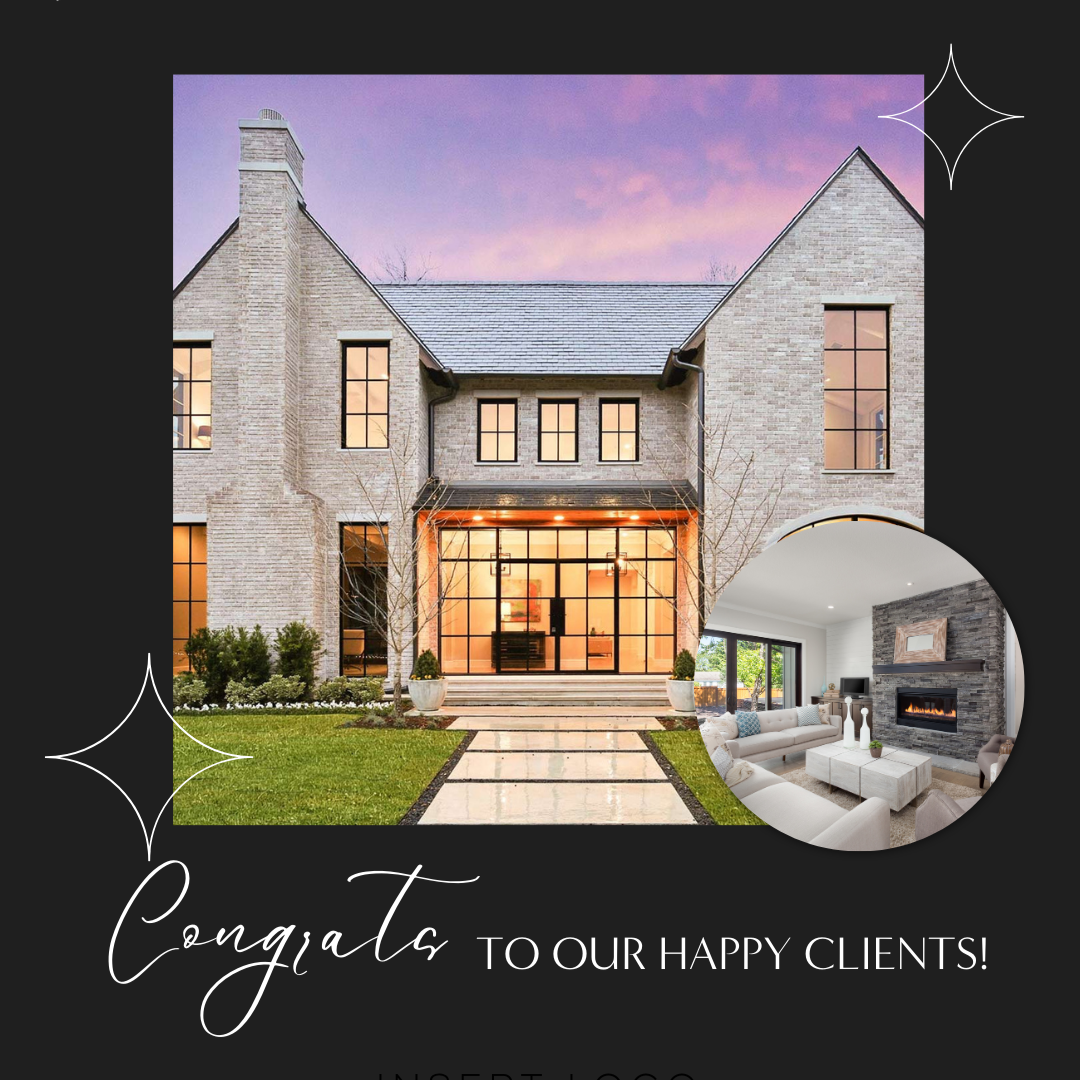
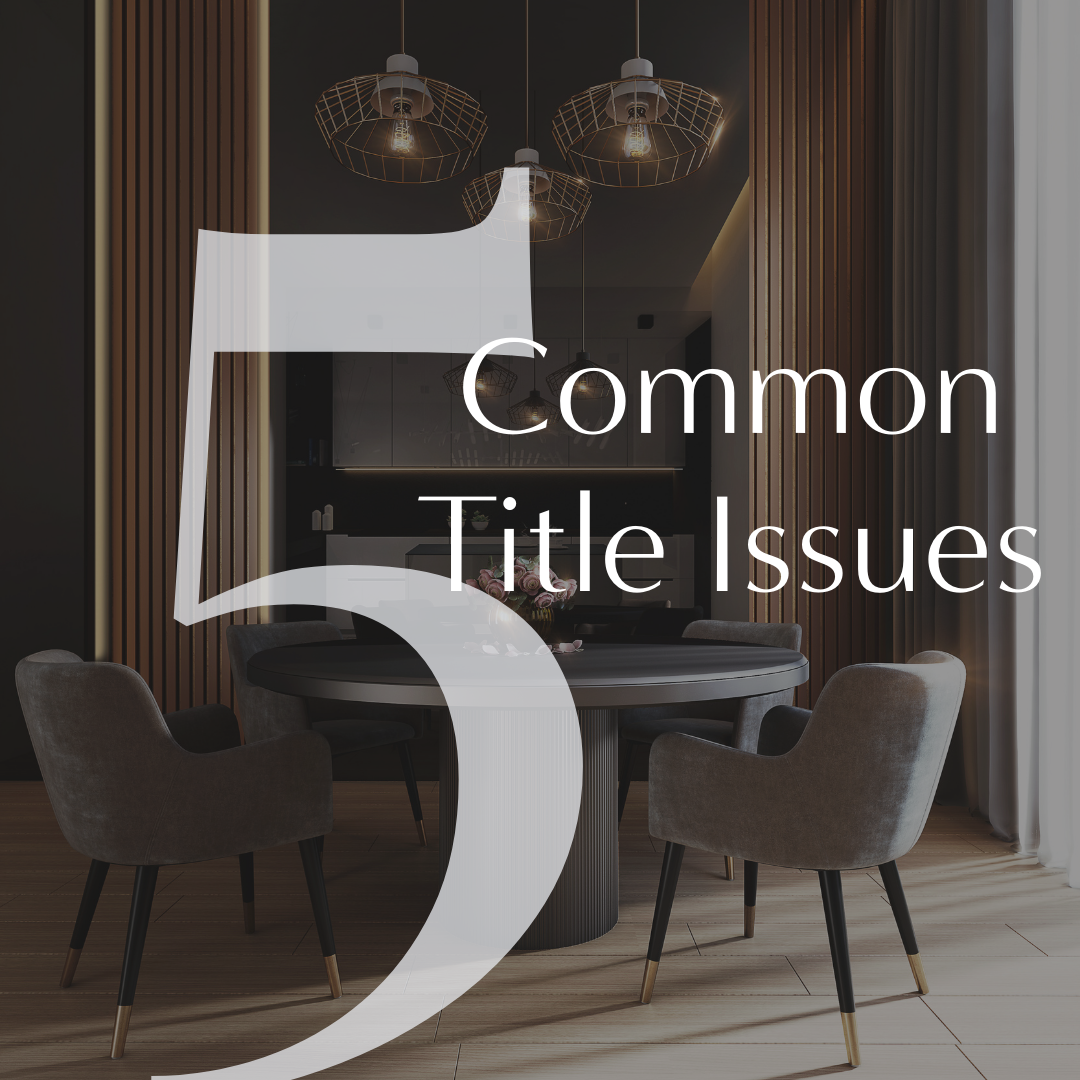

Let’s set the scene.
You open Canva.
You stare at the screen.
You type “Real Estate Post” into the search bar.
Suddenly, you’re staring at 12,000 templates, 47 fonts you’ve never heard of, and an element called “abstract pastel gradient blob.”
You click one thing.
Then another.
Then another.
Forty-five minutes later… you’ve changed the background color three times, and somehow your listing post now looks like a middle school PowerPoint presentation from 2007.
Sound familiar?
If you’re a real estate agent trying to keep up with social media marketing, Canva can either be your best friend… or your biggest time-suck!
But here’s the truth most people don’t realize:
👉 Canva isn’t complicated.
👉 You’re just missing a few key shortcuts.
And once those click?
Everything changes.
The Moment Canva Finally “Clicks”
There’s always a moment. The moment where suddenly you understand:
• How templates actually work
• Why some fonts look amazing together
• How to create clean layouts
• How to make your posts look intentional
And once you get it…
You can design:
✔ Listing posts
✔ Open house graphics
✔ Instagram reels
✔ Buyer & seller guides
✔ Marketing flyers
✔ Business branding
In minutes instead of hours. That exact moment is what inspired the 32-page guide: Canva Crash Course for Agents! Because agents don’t need a design degree. They just need someone to show them how to actually use the tools.
What Most Canva Tutorials Don’t Teach Agents
Most Canva tutorials online are made for general creators. But real estate agents need something different. You’re creating:
• Social media graphics
• Listing marketing
• Open house promotions
• Educational posts
• Personal branding
And if you don’t understand a few specific Canva features, you’ll spend way more time designing than you should. That’s why this crash course breaks Canva down into the exact tools agents actually need. Inside the guide, we cover things like:
✔ Understanding your Canva workspace
✔ The tools that instantly clean up your designs
✔ How grids and frames create professional layouts
✔ The magic Canva features most agents don’t know exist
✔ How to save and share designs the right way
And yes… There are a few secret Canva tricks inside that can make your marketing look like it was designed by a professional.
Why Good Design Actually Matters in Real Estate
Let’s be honest… Real estate is a visual business. When someone scrolls social media, your marketing is competing with:
• Other agents
• Influencers
• Brands
• Entertainment
Which means your graphics need to:
✔ Stop the scroll
✔ Look polished
✔ Feel professional
✔ Represent your brand
And good design doesn’t just look nice. It builds trust! When your marketing looks polished, people assume your business is too.
The Best Part? You Don’t Need to Be “Creative”
One of the biggest myths in marketing is: "I'm just not creative."
But Canva isn’t about creativity. It’s about systems! Once you understand:
• Templates
• Font pairings
• Layout spacing
• Brand consistency
Design becomes easy and repeatable. And suddenly, you’re creating marketing that actually represents your business well.
Want the Full Canva Crash Course?
The guide breaks everything down, including:
• Getting started with Canva
• Understanding your workspace
• Mastering your toolset
• Font pairings that actually work
• Canva Magic Studio features
• Saving and sharing your designs
It’s designed specifically for real estate agents who want to create better marketing without spending hours learning design. And the best part? We’re sharing copies with agents who want to level up their marketing!
📩 If you’d like your own copy of the Canva Crash Course for Agents, click the link below, and we’ll send one your way.